
The Artist · Virtual Styling
The request arrives from a client three states away. She has seen your work, trusts your eye, and wants help before a new job starts in six weeks. You cannot stand in her closet, so the question is whether the work can travel through a screen. For many stylists, the answer is virtual styling, a remote service that sits beside personal and editorial work. If you are still mapping how styling work divides, remote clients belong to the personal side: private individuals paying for judgment and direction. This guide treats the service as a business line, with packages, intake, tools, sourced pricing and boundaries.
The short answer
Virtual styling is a paid remote version of personal styling. You assess a client’s wardrobe, shape and goals through video and photos, then deliver edits, outfit formulas and shopping lists on digital boards. Most stylists sell it in tiers, from a single consultation to a lookbook package to an ongoing retainer. Price it from your own hours, set clear revision and messaging limits, and invest in light, sound and a calm frame first.
In this guide
- What virtual styling covers, and what it leaves out
- Building packages remote clients can say yes to
- Intake before the first call
- The remote tool stack: video, lookbooks, scheduling and payment
- Virtual styling pricing: reading the market without copying it
- Boundaries that keep remote clients sustainable
- Setting up a calm remote styling set
- Remote work as part of a wider practice
- Questions worth asking
What virtual styling covers, and what it leaves out
Start with scope, because the remote format changes what you can promise. On a video call you can judge proportion, color families, fit at the shoulder and the general state of a wardrobe. You cannot feel fabric weight, check a hem against a shoe or pin a waist. In virtual styling, the service leans toward diagnosis and direction instead: which pieces earn their place, which outfit formulas suit the client’s week, and what to buy next. Anything that needs hands on the garment still belongs to the in-person closet audit, and saying so early protects you. Clients tend to respect a stylist who names the limits of a format. Many also return for the hands-on version later, once the remote work has built trust between you.

Next, consider who actually books remote work. In practice, the inquiries tend to fall into a few groups. Some clients live far from any working stylist. Others have moved, changed jobs or returned to an office and need a working wardrobe quickly. A third group already knows you from in-person sessions and wants seasonal check-ins without another full day together. Travel packing, event dressing and a changing body can also prompt a booking. Each group needs a different amount of your time, so one package rarely fits all of them. Map your past inquiries before you write a menu. When you know which requests repeat, you can design tiers around real demand instead of guessing at what remote clients might want.
Building packages remote clients can say yes to
A clear menu does more selling than any caption. A three-tier structure tends to work well, because three options let a client choose depth without negotiating scope. Tier one is a single video consultation with a written summary. Next comes a lookbook package: intake, a call, then a set of outfit boards and a shopping list. The top tier is a retainer, where you check in each month or season and update the boards as the client’s life changes. Name each tier by its outcome rather than a clever label. Then state, in one line, exactly what the client receives and by when, so nobody has to guess what the money buys.
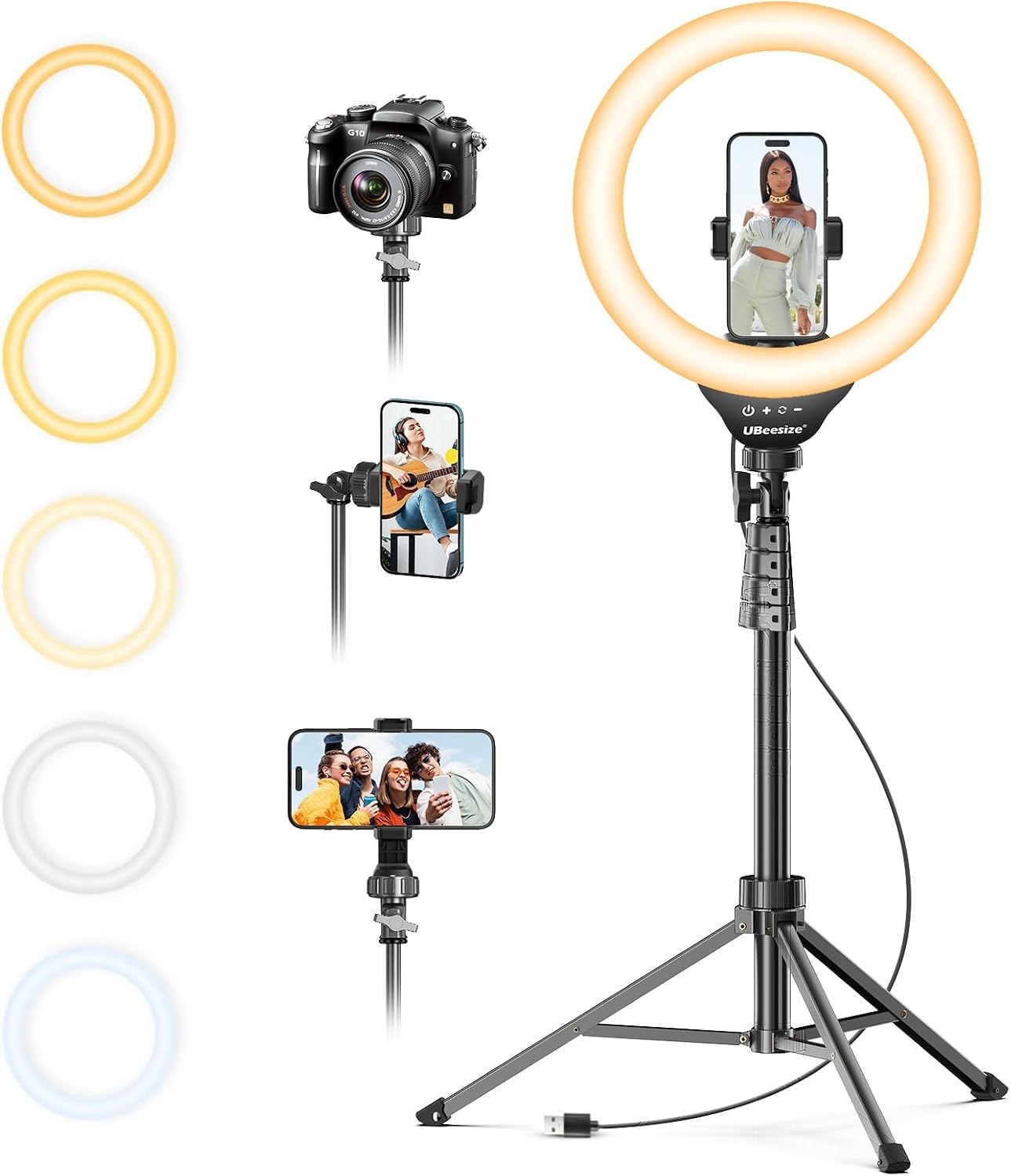
Even light on your face and on garments helps a remote client read color and texture through the screen.
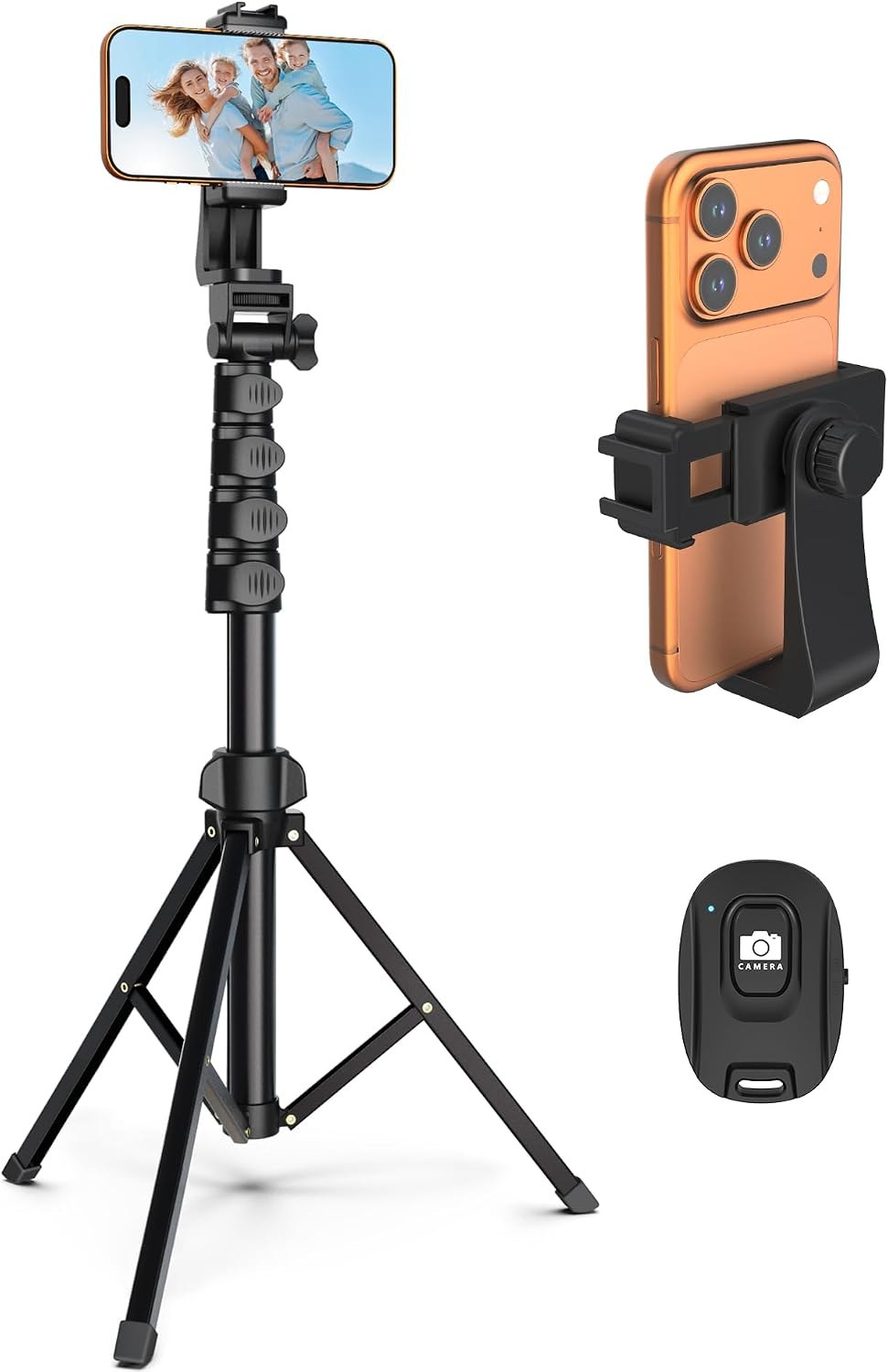
Raise the phone to show a full outfit, then use the remote to capture looks without walking back to it.
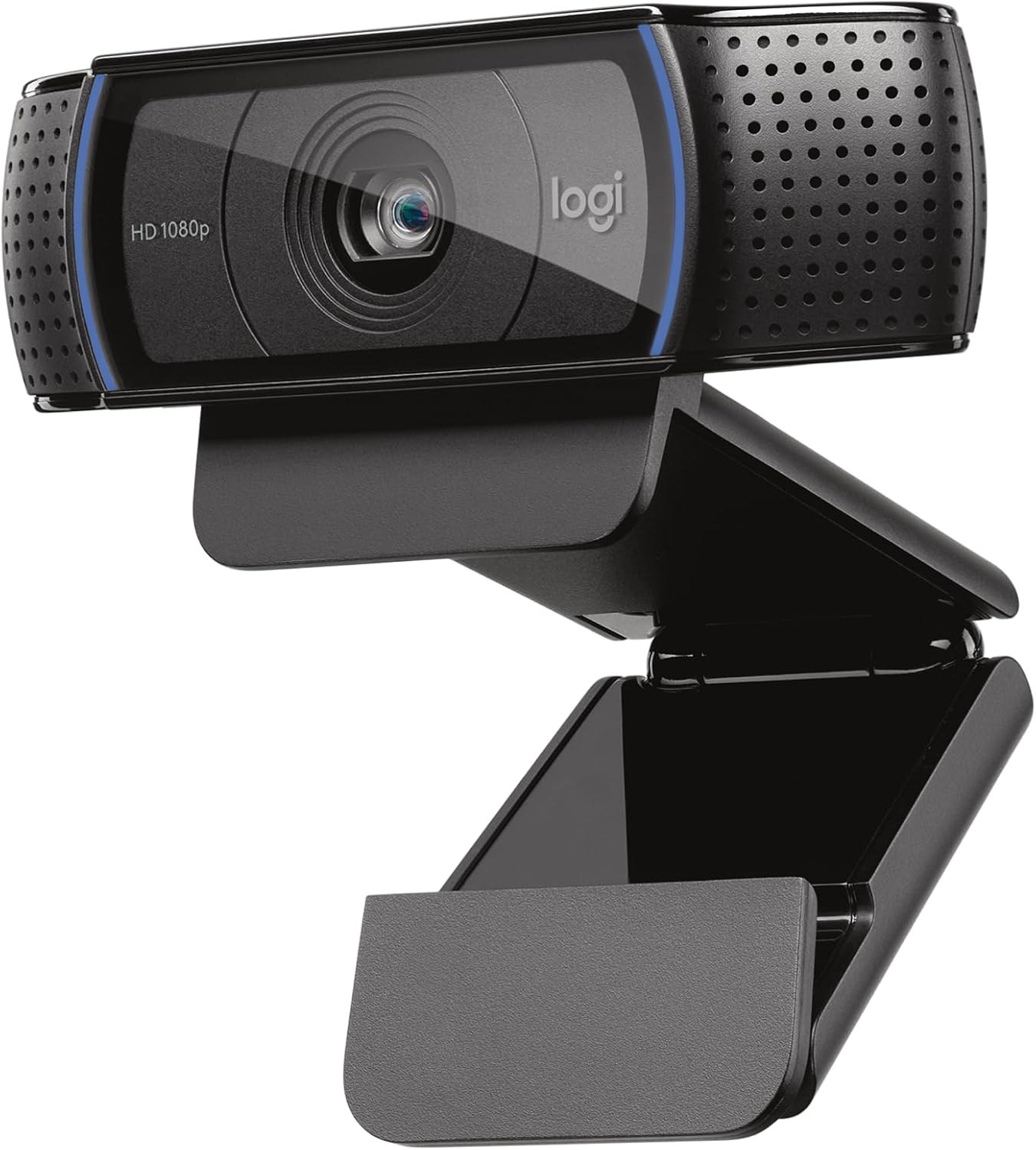
Run consultations in 1080p with the built-in microphone, a clear step up from most laptop cameras.
Then attach time to every deliverable before you attach a price. A consultation looks like one hour, yet it usually carries prep, note-taking and a written follow-up. A lookbook package can absorb a full working day once you count research, board building and revisions. Write those hours down for your first few clients, because instinct tends to undercount them. The figure you reach becomes the basis for setting your rates across both remote and in-person work, so the two stay consistent. Clients notice when a remote package looks oddly cheap next to your day rate. They read the gap as a lesser service, and that impression is hard to undo once a client has formed it. Write those hours into the package page so clients see the boundary before they book.

Where each tier stops
Every tier needs a hard edge, and the edge belongs in writing. Specify how many outfit boards the package includes, how many revision rounds the client gets, and how long the shopping list stays current. Stock sells out, so a list built in March may not hold in June. A short follow-up window after delivery feels generous, while open-ended chat quietly turns a package into unpaid retainer work. The retainer itself carries the most risk of drift, so define a month precisely: for example, one call, one board update and a fixed number of message days. Add a renewal date and a notice period as well. If a client wants more, point to the next tier or an add-on session at a stated rate.
Intake before the first call
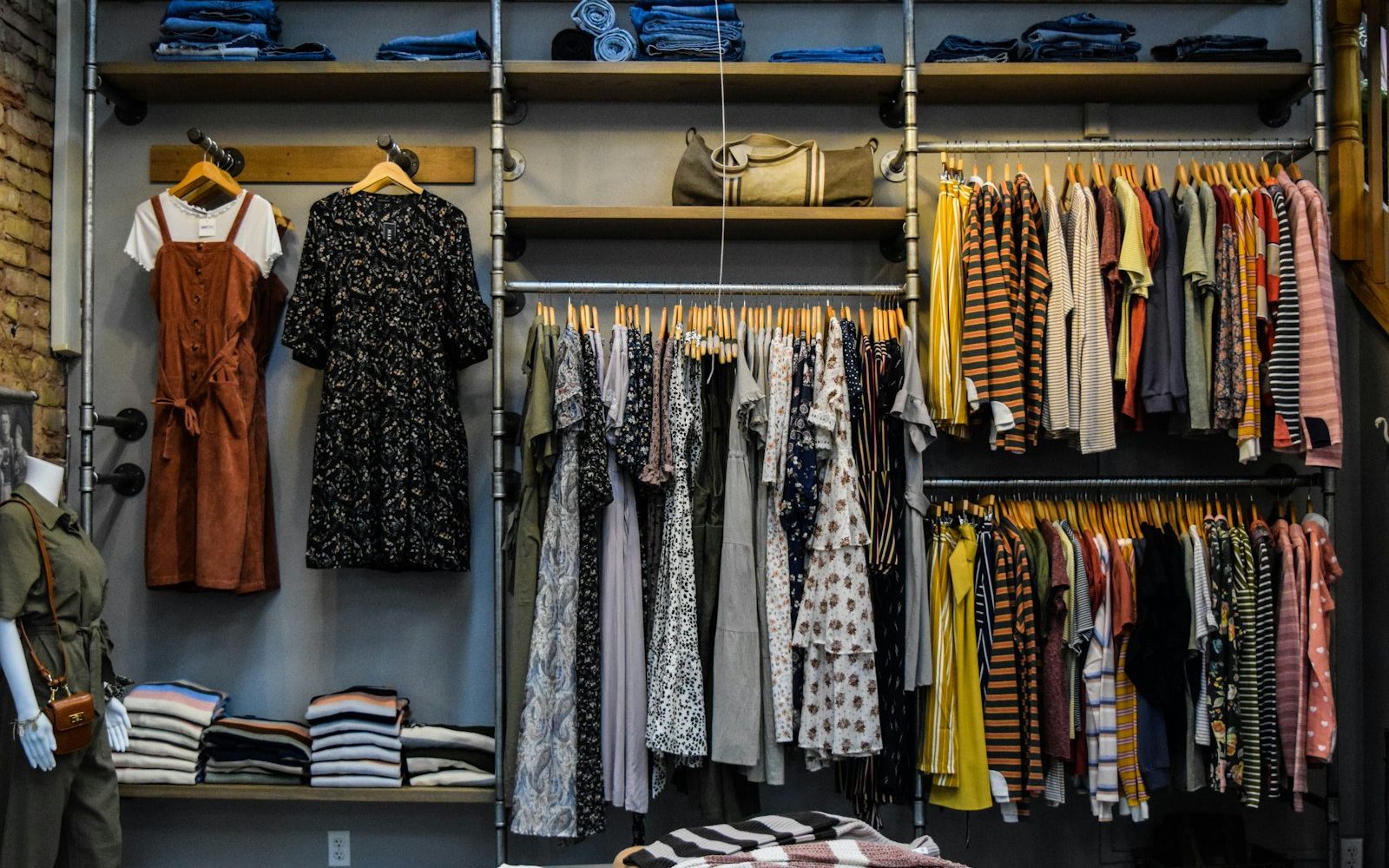
Good remote work begins before anyone joins a call. Send an intake form once the client pays, and ask for the details you would otherwise gather by eye. Useful questions cover her daily schedule, dress codes at work, climate, seasonal budget, colors she avoids and pieces she already loves. Ask for current measurements and her sizes in the brands she buys most, because sizing differs from label to label. Then request a short set of photos: full-length front and side views in fitted clothing, taken in daylight, plus a few favorite outfits. Clear photos save real time on the call. They also give you a written record if a question about fit comes up weeks later.
A virtual closet audit sits at the center of most lookbook packages, and it needs structure. Ask the client to photograph each category in turn: tops, trousers, dresses, outerwear, shoes and bags, laid flat or hung against a plain door. A phone on a tripod helps her shoot evenly without holding the camera at arm’s length. During the call, work through one category at a time and sort pieces into keep, alter and release. Explain each decision briefly so the client learns your reasoning. Unlike an in-person edit, you rely on her hands, so pace the session and allow breaks. The remote format rewards patience, and clients remember the stylist who never rushed them.

The remote tool stack: video, lookbooks, scheduling and payment
Video platforms
Choose your video platform for its limits, not its brand. The Zoom plans and pricing page lists its Basic plan at 40 minutes per meeting, with local recording only. Google’s Google Meet product page says free group meetings run up to 60 minutes and lists no time limit for one-to-one calls. For a styling consultation, a cutoff mid-session reads as unprepared, so check the cap before you book a long call. Clients settle faster when every session opens on the same familiar link. Recording matters too. With the client’s written consent, a recording lets you review the closet later and lets her replay your advice. Store recordings privately and delete them on a stated schedule, since they show people’s homes and bodies.
Picture quality gets attention, but sound decides whether a call feels professional. A built-in laptop microphone picks up room echo, keyboard noise and the hum of a heater. When you describe a fabric or a proportion, every word needs to land clearly. A clip-on lavalier microphone sits close to your voice and keeps the tone even while you move between your notes and the screen. Light matters just as much: face a window or a soft light source, and avoid mixing warm lamps with daylight. Mixed light shifts the color of skin and clothing on camera. For a stylist judging undertones, or navy against black, that shift can undermine the whole session.
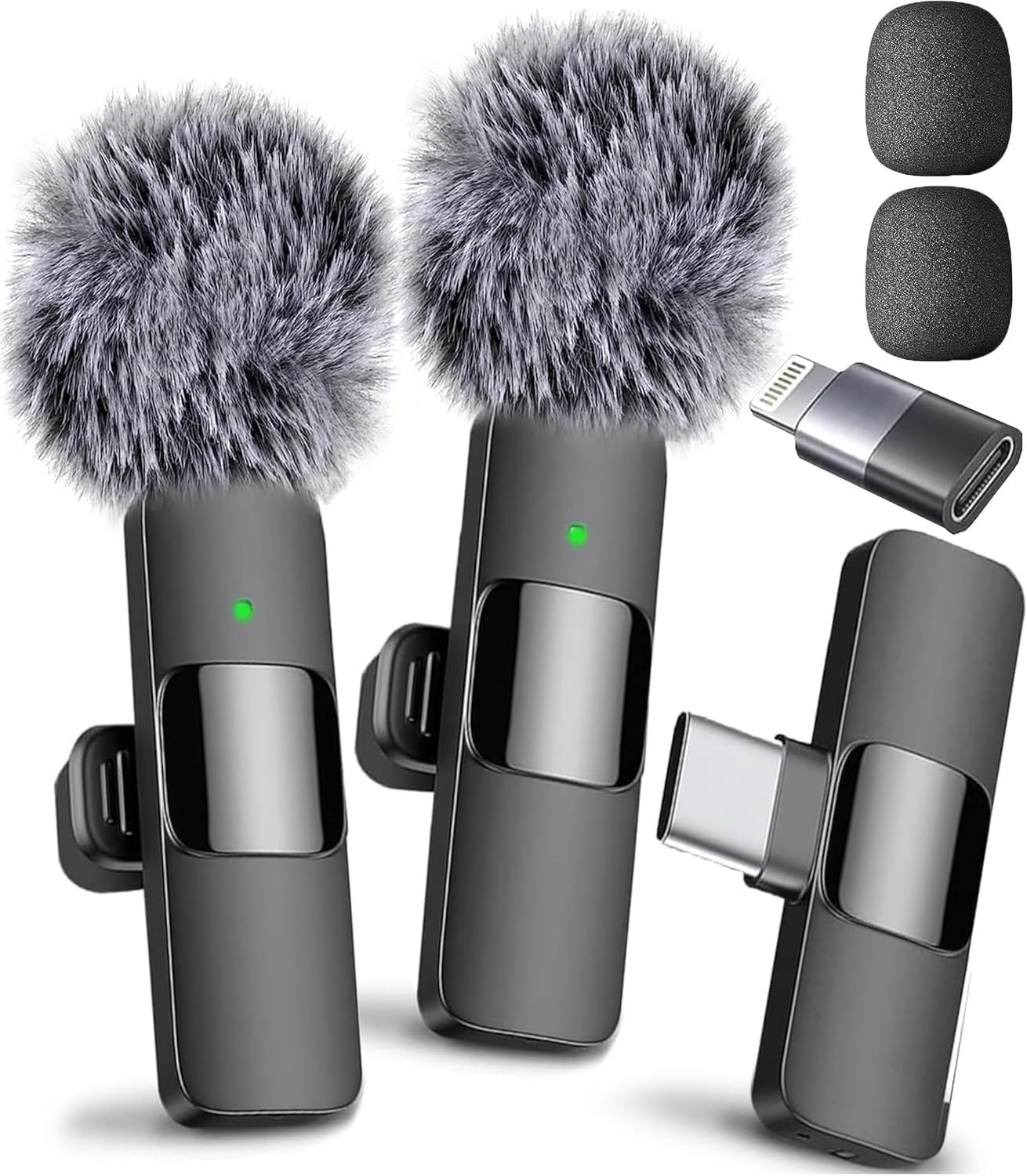
Clip the mic on while you walk the closet, so the client hears every note clearly from across the room.
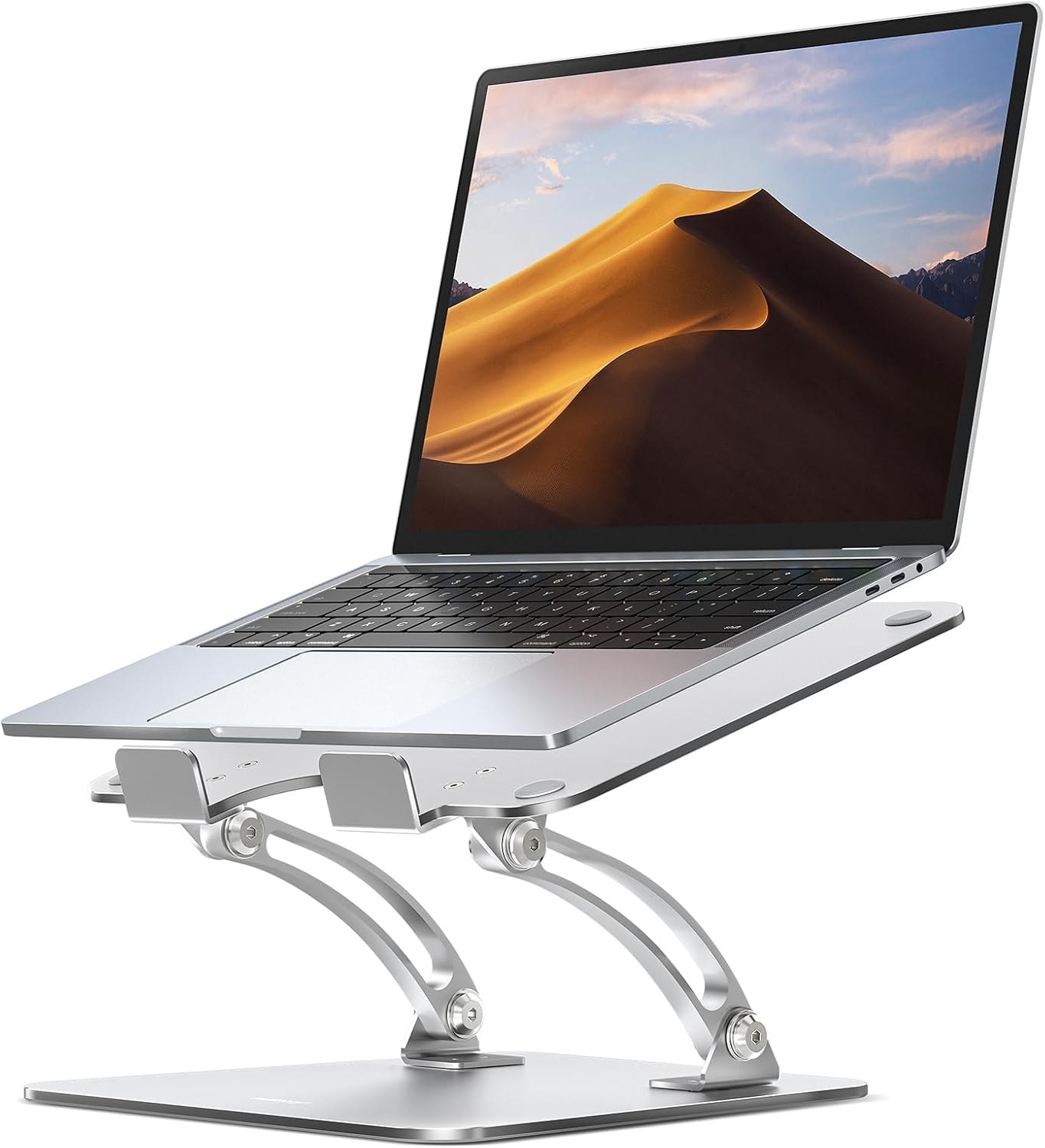
Lift the laptop camera to eye level for direct, calm eye contact across a full day of sessions.

Hold cards to camera when you discuss palette, which gives remote clients a shared reference for their colors.
Lookbook tools
Next comes the deliverable itself. Many stylists build lookbooks on boards the client can open on a phone. Pinterest’s help article on private boards says only you and anyone you invite can see a private board, and that you can invite people to collaborate. That makes a private board a simple shared workspace for one client. Canva suits a more polished document. The Canva pricing page shows the free plan includes one brand kit limited to three colors, while Pro includes five brand kits. Whatever the tool, keep your layout consistent from client to client. A recognizable lookbook format becomes part of your brand, and it speeds up every package you deliver.
Scheduling and payment
Scheduling software removes the email chain that eats time on every booking. The Calendly pricing page shows its free plan allows one event type, while its Standard plan connects Stripe and PayPal so clients pay as they book. Routing forms sit on its higher Teams tier. For a solo stylist, collecting payment at booking often matters more than any other feature, because it ends most no-show problems. Set buffer time between calls so you can write notes while the session is fresh. Send a short reminder the day before, with the intake link attached. Also block the days you reserve for set work. Remote clients will book whatever your calendar shows, and a styling job can run long without warning.
Notes for working stylists: pulls, pricing, clients and career, sent occasionally.
Occasional letters. Unsubscribe anytime.
Payment terms deserve the same clarity as scope. Take full payment for consultations and lookbooks before the intake form goes out, and bill retainers in advance each month. Card processors and payment apps charge a fee on each transaction, so build that cost into your rates rather than absorbing it. Keep records from the start. The IRS page Understanding your Form 1099-K explains that card companies and payment apps report payments for goods or services, and that you must report all income whether or not a form arrives. Remote work leaves a clean digital trail, which helps at tax time. Deductions and filing details deserve their own conversation with an accountant.
Virtual styling pricing: reading the market without copying it
Platform prices give you a useful reference point, not a target to match. Stitch Fix charges a $20 styling fee for each order and credits it toward items the client keeps, according to the Stitch Fix help center. Wishi’s newsletter post Welcome to Wishi lists three plans: Mini at $60 for two style boards, Major at $130 for five, and Lux at $550 with a one-on-one virtual conversation. Those figures reflect scale, software and stylists serving many clients at once. Your virtual styling pricing should reflect something else: your hours, your experience and the continuity you offer. Use app tiers to explain value, never as the ceiling for your menu.

A simple method keeps your numbers honest. Take the hours you logged for each tier, multiply them by the hourly figure behind your day rate, then add a margin for revisions and admin. Compare the result with your local in-person rate for similar work. If the remote price comes out far lower, check whether you trimmed the deliverable or simply undercounted time. After that, test the menu with a few clients and review it after each one. Prices can move as your waitlist grows, so date your rate sheet and revisit it each season. Raising rates for new clients first, while honoring existing packages, keeps trust intact with the people who booked early. Write your reasoning down too, so you can explain any change calmly.

Credentials and proof of work
Clients also judge a remote stylist by credentials and visibility, since they cannot see your studio or your client roster in person. Before they book, many will look for training, references and a body of work. It helps to know the credentials clients look for, and which ones matter less than a strong portfolio. Your portfolio can include remote work too, with permission: anonymized before-and-after boards, client notes on how a capsule performed, or a short case study. Over time, those pieces show that your remote service produces real wardrobes rather than pretty screens. They also give prospective clients a concrete sense of the process before they commit to a package.
Boundaries that keep remote clients sustainable
Remote work removes the natural end of a session. When you leave a client’s home, the job feels finished. On a phone, however, the client can reach you at midnight with a photo from a fitting room. So set messaging hours in your welcome note and keep to them. Reply within a stated window, such as one business day, and explain that same-day advice is a paid add-on. Batch your replies at fixed times rather than answering each message as it arrives. In remote work, the strain often comes less from the sessions themselves than from the scattered, unbilled contact between them. That middle ground is the part you can control.
Color is where screens mislead most, even on a good connection. Phone cameras often adjust white balance on their own, and client monitors vary in brightness and tint. A physical color reference helps both of you work from the same anchor. Hold a swatch beside your face on camera, then ask the client to hold a matching garment in daylight. Compare relative values rather than exact shades: lighter or darker, warmer or cooler. Afterward, note the results in writing. That record matters later, because a client who remembers “soft blue” may buy something very different. Clear notes on color direction save returns, frustration and a follow-up session you never planned to give.

Who profits from the links
Shopping lists raise a quieter question: who profits from the links. If you earn a commission on products you recommend, the FTC staff guide The FTC’s Endorsement Guides: What People Are Asking says to disclose that relationship clearly and close to the recommendation. It also notes that a label like “affiliate link” alone may not tell readers you earn money. Put a plain sentence at the top of every shopping list. Then let the client decide whether that changes anything for her. Many clients will not mind, yet they may well mind discovering it later. Disclosure keeps the list in service of the wardrobe, which is the reason the client hired you. Keep the wording identical on every list you send.
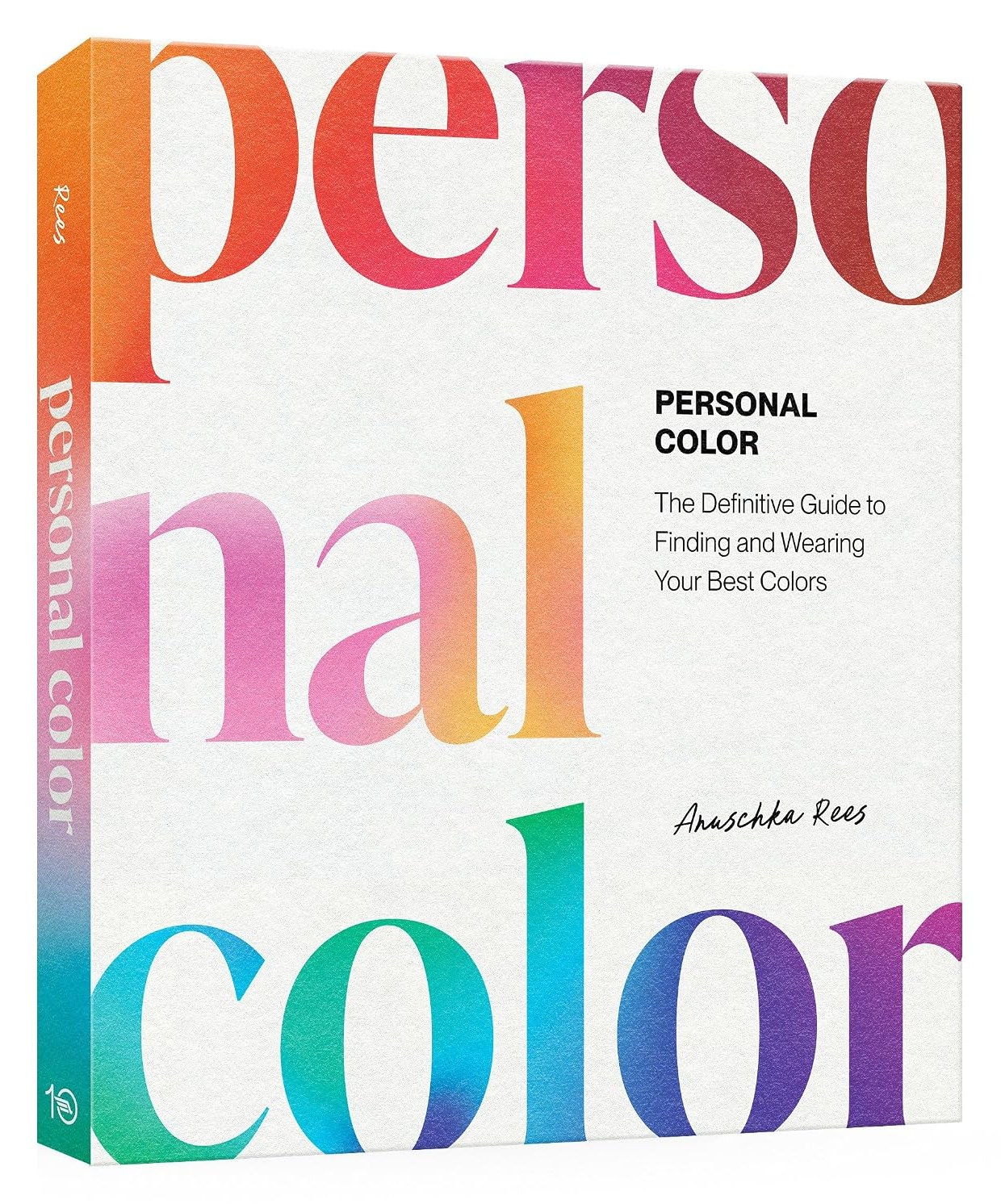
Point clients to a clear reference on finding their colors, so your recommendations have a shared foundation.
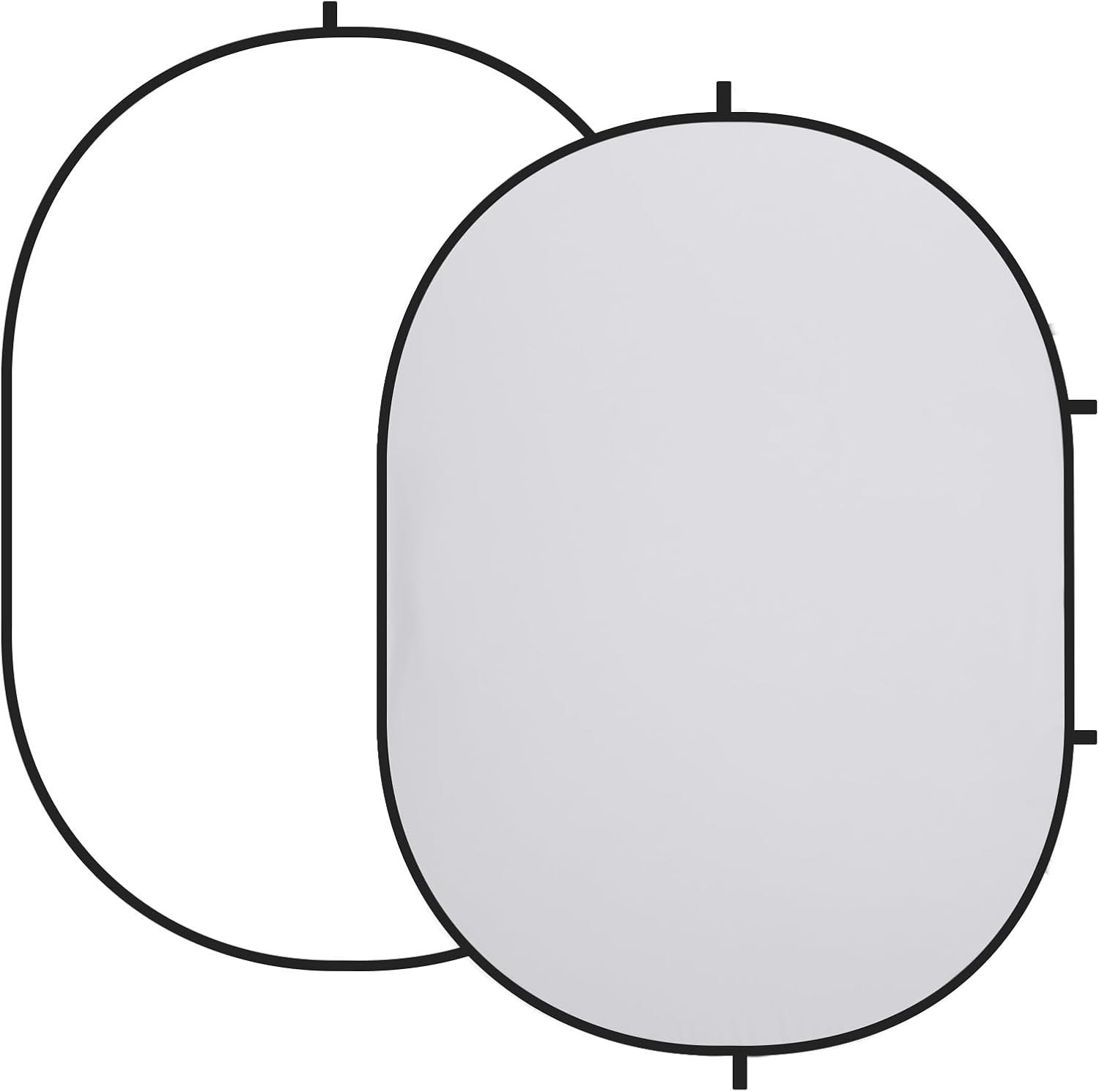
Set up a neutral white or gray background in minutes, so the frame looks considered from any room.

Bounce window light back onto your face or a garment, softening shadows without adding another lamp.
A reference library for remote sessions
Your own reference library supports the work in ways clients rarely see. When you explain why a cropped jacket suits one frame and not another, an illustrated book lets you show proportion on screen instead of describing it. It also keeps your eye current between sessions. Virtual styling can narrow your inputs, because so much of the day happens at one desk. Build in time to visit stores, handle fabrics and watch how people actually dress on the street. That fieldwork feeds every board you build. Without it, remote lookbooks drift toward the same screen-friendly pieces, and over a season or two your clients will notice the sameness. A season of museum visits or vintage browsing feeds the eye just as well. Keep it within reach of the camera, so you can hold a page up when a client asks what you mean.
Setting up a calm remote styling set
Your background tells the client how seriously you take the session. A cluttered room, a bed in frame or a busy bookshelf pulls attention away from the clothes you hold up. A plain, neutral backdrop behind you keeps the focus on garments, swatches and your face. Raise the laptop so the camera sits at eye level, then frame yourself from the chest up with room to show a garment. Run a test call with a friend before your first paying session. Check how navy, black and cream read on camera, and adjust your light until they separate clearly. Small adjustments here cost little and change how polished the whole service feels.
Remote work as part of a wider practice
Virtual styling works best when it sits inside a broader practice rather than replacing it. Remote clients bring income between set days, steady repeat work and reach beyond your city. In return, the format asks for discipline: written scope, firm hours and fair pricing. It also asks you to accept limits, since some judgments still need a fitting room. Over time, the remote side can feed the rest of your work. A lookbook client books an in-person edit, refers a colleague, or follows you onto a shoot. That is how building a personal brand as an artist tends to compound: consistent service, honest boundaries and a recognizable way of seeing clothes.
Tools and library

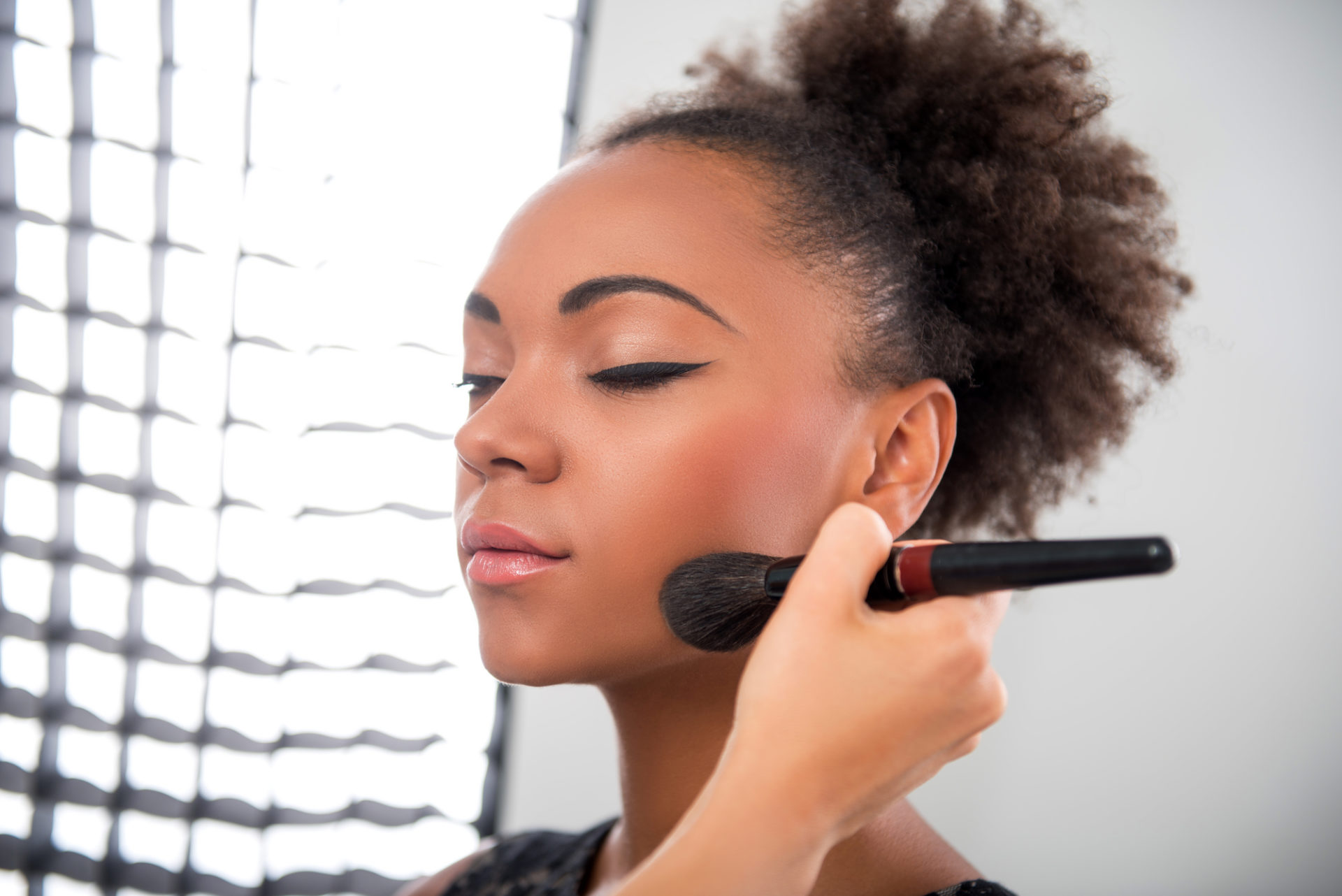

The tools above handle the visible side of remote styling: light, sound, framing and reference. The business side takes longer to build, and it decides whether the work lasts. Packages, rate sheets, intake forms, contracts and boundaries all need the same attention you give a client’s wardrobe. Many stylists build those systems slowly, one awkward client at a time, and pay for each lesson in unbilled hours. A structured guide shortens that process. It gives you a framework for pricing, client communication and career planning, so you can spend your energy on the styling itself. If you are formalizing a remote service this year, start with the business foundations, then refine the creative offer once the systems hold.
From the Artist Library
The career guide in the Artist Library was written for makeup artists, yet its chapters on pricing, contracts, agencies and the first five clients translate directly to styling work. Read it alongside your rate sheet and loan paperwork, and it will help you ask sharper questions before your next booking.
Questions worth asking
What is virtual styling?
Virtual styling is a remote personal styling service. A stylist reviews a client’s wardrobe, goals and shape through video calls and photos, then delivers outfit boards, edits and shopping lists digitally. It suits clients who live far from a stylist or need flexible scheduling, and it works best alongside in-person services.
How should a stylist price virtual styling packages?
Start from your hours, not from app prices. Log the time each tier really takes, including prep, board building and revisions, then apply the hourly figure behind your day rate and add a margin. Compare the result with your in-person rates so remote work never looks like a lesser service.
What tools does a virtual stylist need?
You need a reliable video platform, a scheduling tool that takes payment at booking, and a lookbook format clients can open on a phone. On the hardware side, good light, a clip-on microphone, a webcam or phone tripod and a plain backdrop matter more than expensive software. Test everything before the first paid call.
How does a virtual closet audit work?
The client sends photos of each clothing category before the call, laid flat or hung against a plain surface. On video, the stylist works through one category at a time and sorts pieces into keep, alter and release. A written summary afterward records each decision and the gaps to fill.
How do I stop remote clients from messaging all the time?
Put messaging hours and response times in your welcome note, then keep to them. Batch replies at set times, and offer same-day advice as a paid add-on. A stated follow-up window after each package stops ongoing chat from turning into unpaid retainer work that drains your week.
Do I need to disclose affiliate links in client shopping lists?
If you earn a commission, yes. FTC staff guidance says to disclose the relationship clearly and close to the recommendation, and notes that a bare “affiliate link” label may not be enough. A plain sentence at the top of each list tells the client how you are paid.
